If you want to know if your ports have been forwarded, you need to run a port checker.
To Test If Your Port Is Open
- Download our Network Utilities Bundle.
- Install Portforward Network Utilities and launch it with the icon on your desktop.
- Click the Port Checker button. Type in the port that you want to check, choose UDP or TCP, and click the Check Me button
Port Checker is now a part of the Port Forward Networking Utilities software. You can still use it for free!
Why Our Port Checker Tool Is Better
Most online port checks assume that you already have an application (such as your game or torrent) listening for the port test on your computer, and then assume that the test was OK simply because they were able to connect to your computer.
Also, web-only port checkers are not able to test UDP since UDP is a connectionless protocol and there is no way to know if the packet actually made it to your computer without some sort of program on your computer waiting for that packet.
Our port test uses a local application to listen for the server trying to connect and then positively verifies that your port is forwarded.
With our open port checker tool you never get a false positive.
Screenshots and Instructions
After downloading Network Utilities, you run the installation file to install it on your computer.
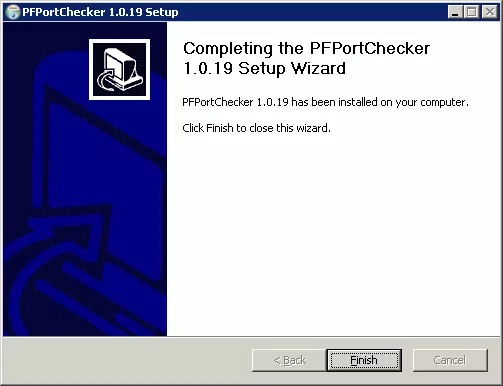
Then you run Port Checker (located in the Start menu of Network Utilities, under portforward.com) and type in the port you want to check, and whether you want to check TCP or UDP, and click Check Me.
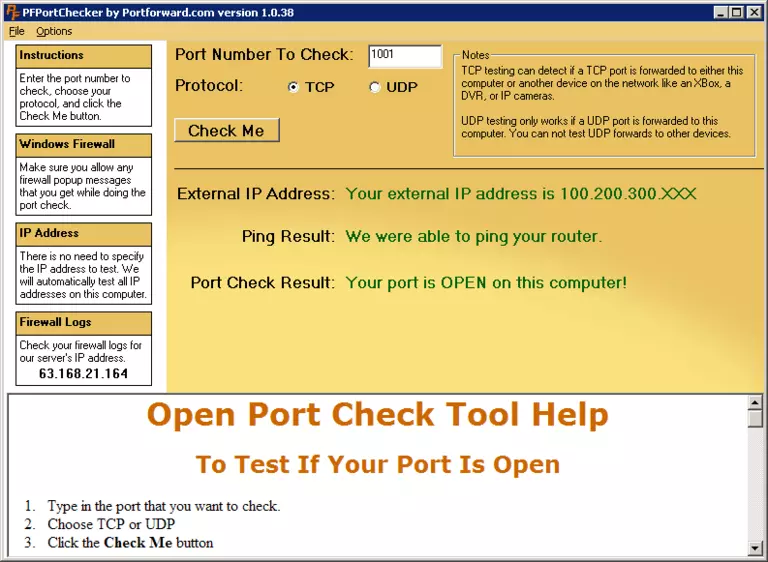
If it says Your port is OPEN then we are absolutely sure that your port is definitely open. No other port checker can claim that.
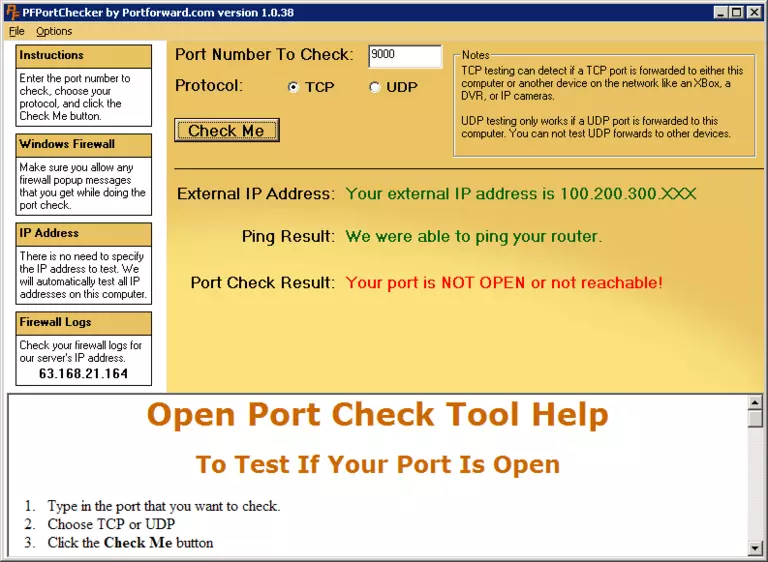
If it says Your port is NOT OPEN or not reachable! then we were unable to establish a connection to your computer, which means that most likely either your port is not open or your software firewall is still preventing an inbound connection from being made.
Only download our software from this site. Any software for portforward.com downloaded from third parties or any unapproved mirrors is not supported and may contain malware. Please do not download our tools from Torrent sites as this can seriously compromise your computer.
For additional instructions click here.