Windows XP Windows ME Windows 2k or 2000 Windows 98
How to Open a Port in Your Router for The Cycle: Frontier
You can help improve your online connections and overall experience in The Cycle: Frontier by forwarding some ports in your router.
How to Forward Ports in Your Router for Doom Eternal
Have a smoother and overall better multiplayer experience in Doom Eternal by forwarding some ports in your router.
Create a Port Forward for Pokémon Violet in your Router
Forwarding some ports for Pokémon Violet in your router can make it easier to connect and play with others.
How to Open a Port in Your Router for Gran Turismo 7
Don't let poor connections slow you down. Forwarding some ports for Gran Turismo 7 in your router can help with improving them.
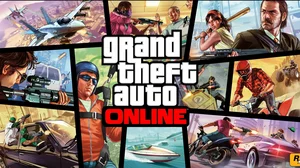
Open Ports on Your Router for Grand Theft Auto Online
Forwarding some ports for GTA Online in your router can help improve your connections and make it easier to play with others.
Forwarding Ports in Your Router for Madden NFL 23
Forwarding ports can help improve online connections in Madden NFL 23 and enable you to connect with others more easily.
How to Create a Port Forward in Your Router for Diablo IV
Forward some ports for Diablo IV in your router to help improve online connections and connect with more players.
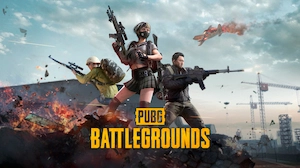
How To Open Ports in Your Router for PUBG: Battlegrounds
Help ensure you have the best connections possible for PUBG: Battlegrounds by forwarding some ports for it in your router.